On this page
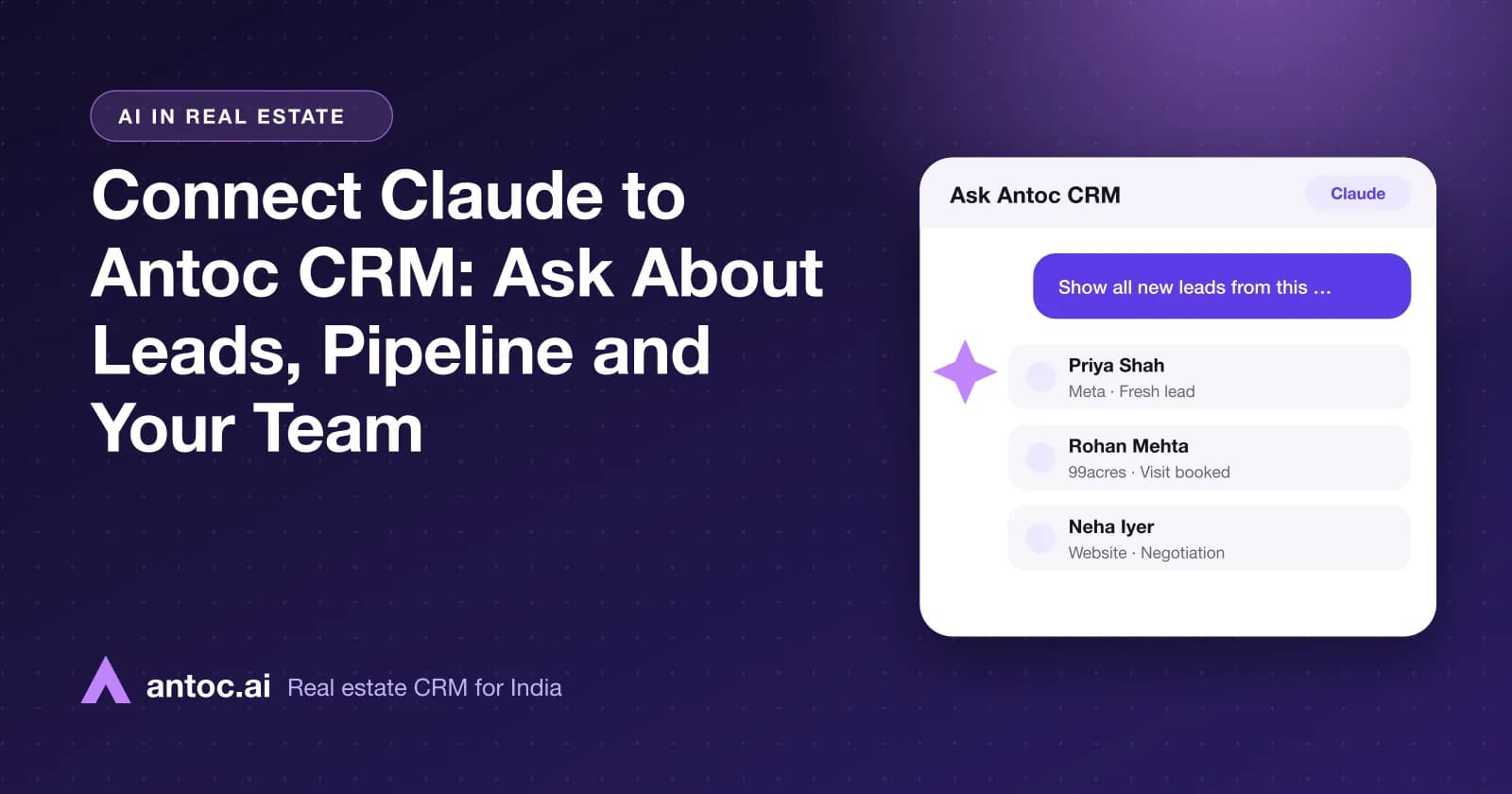
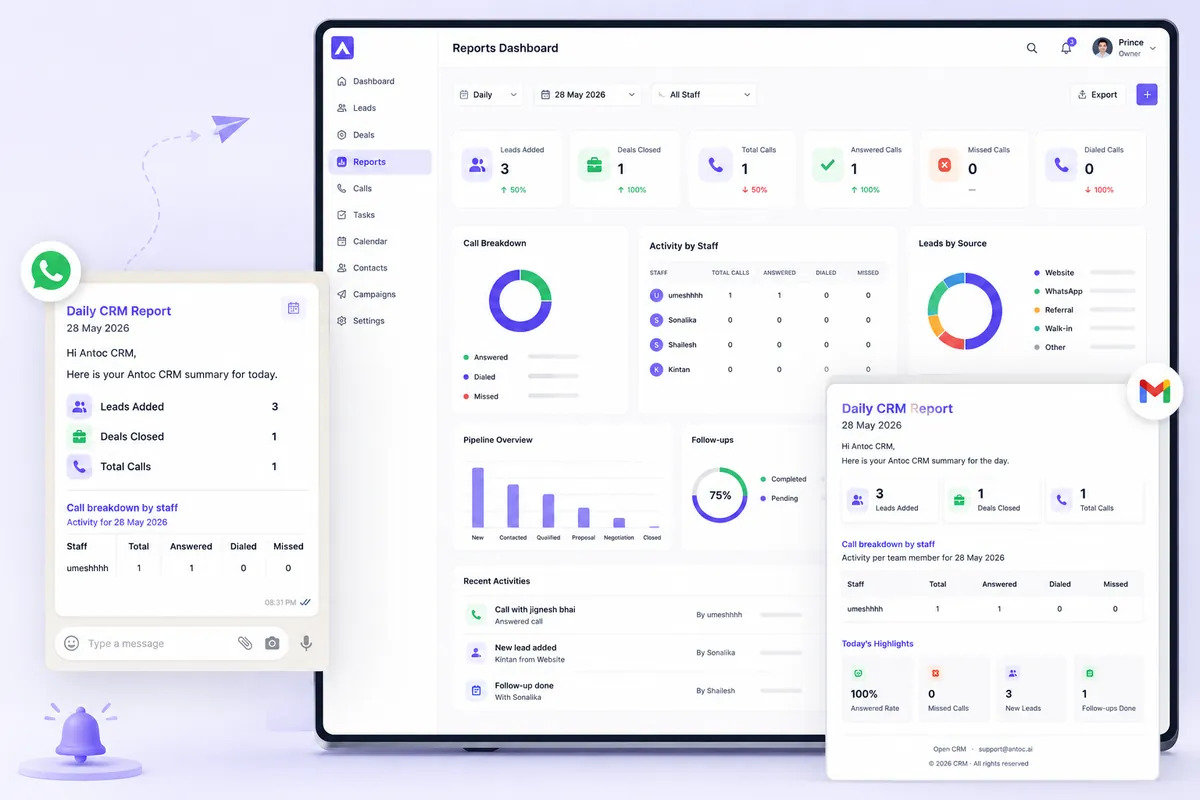
Antoc's Claude CRM connector lets real estate teams ask Claude about their leads, pipeline, dashboard reports, staff performance and matching properties in plain English. You connect it once, sign in with your Antoc account, and Claude answers from your own CRM data, limited to your business and your CRM permissions.
This guide is for sales heads who run a weekly review, owners who want numbers without waiting for a report, agents who need a quick property shortlist, and developer teams tracking several projects. If your team already works in Claude, this puts your CRM one question away.
The Antoc CRM connector brings your CRM into Claude, so you can ask about leads, pipeline, staff performance and property matches in plain English. Answers come only from your business's Antoc data, within your CRM permissions.
- Ask Claude about leads, pipeline, staff performance and matching properties in plain English.
- Connect once: open the connector, connect, sign in to Antoc, enable in chat.
- Claude sees only your business's data, limited by your Antoc role.
- Use Claude to read and review; record every update inside Antoc.
What the Antoc CRM connector for Claude is
The connector links Claude to your Antoc CRM account. Once connected, you can ask Claude to pull this month's leads, summarise the pipeline, compare staff performance or find properties for a buyer. Claude looks up the answer in Antoc and replies in the chat.
If you have heard the term MCP (Model Context Protocol), that is the open standard behind Claude connectors like this one. You don't need to know anything about it to use the connector.
What you can ask about:
- Leads. New and recent leads, by source, owner, stage or date.
- Pipeline and dashboard reports. Stage-wise views of where deals sit.
- Staff performance. Who is handling leads and moving deals, and who is stuck.
- Property matching. Options from your own inventory that fit a buyer's budget, location and configuration.
The connector is built by Passdn Technologies, the team behind Antoc. You can open it from the Antoc CRM connector in Claude or read the overview on the Antoc CRM connector for Claude page.
Why it matters for a sales head
The weekly sales review is where most Indian broking firms either win or lose the month. The problem is preparation: pulling lead counts, checking stages, comparing agents and making sense of it all before 10 am on Monday.
With Claude connected to Antoc, the sales head asks for those numbers in plain English. The time saved goes into the actual conversation with the team: which leads to chase, which agent needs help, which project needs more site visits.
Owners get answers without calling anyone. Agents get a property shortlist while the buyer is still on the phone. Developer sales teams can ask about a specific project without building a custom report.
Want to see this on your own leads? Book a free Antoc demo.
How to connect Claude to Antoc CRM
You need an active Antoc CRM login and a Claude account that can use connectors. Setup takes a few minutes.
Step 1: Open the Antoc CRM connector page
Go to the Antoc CRM connector page in Claude's connector settings. Check that it is the Antoc CRM connector before you continue.
Step 2: Click connect
Click connect. Claude sends you to Antoc to sign in.
Step 3: Sign in to Antoc and approve access
Use your Antoc web CRM login and approve access for Claude. This sign-in decides what Claude can see: your business, and only what your role in Antoc allows.
Step 4: Enable Antoc CRM in your chat's tools
In a new chat, turn on Antoc CRM from the chat's tools menu. Then ask a simple test question, such as "Which leads came in this week, and who owns them?" Compare the answer with your Antoc dashboard.
Claude's menus may change over time. If a screen looks different, check Anthropic's current help pages for connectors.
A weekly review workflow for a sales head
Here is a Monday-morning routine that takes the grunt work out of the weekly review. Run it in one chat so Claude keeps the context between questions.
- "Summarise last week's new leads by source and assigned agent."
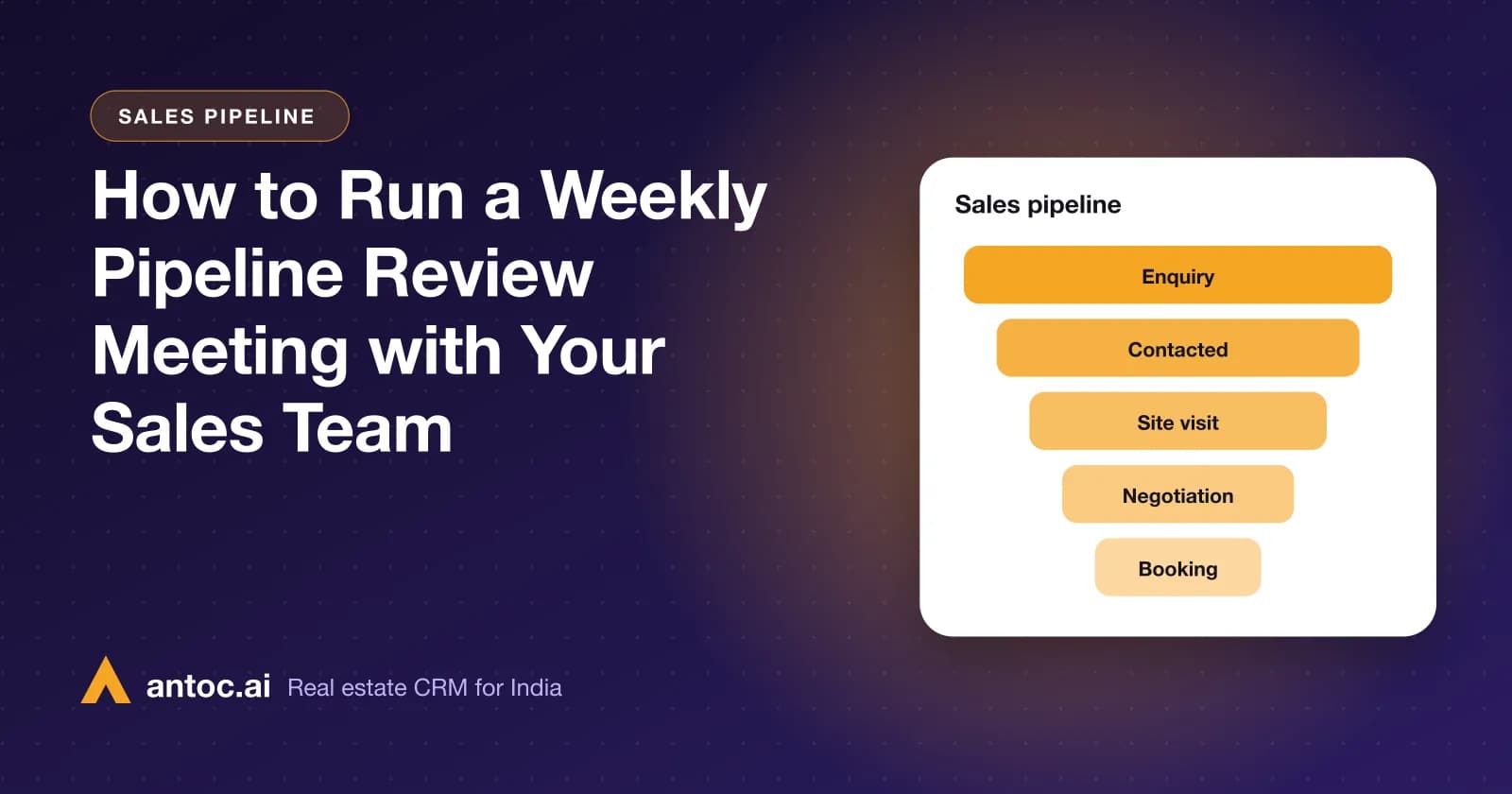
- "How is our pipeline moving this month? Give me stage-wise counts."
- "Compare staff performance for last week: leads handled, stage movement and deals closed."
- "Which leads have stayed in the same stage for more than two weeks, and who owns them?"
- "Which leads reached site-visit stage last week but have not moved since?"
- "Write a five-line summary of this review that I can share with the team."
- Open Antoc and act: reassign stuck leads, set follow-ups and schedule site visits there.
Copy the summary from step 6 into your team's WhatsApp group. Save the six questions in a note so you can reuse them every Monday.
20 questions to ask Claude, by role
Claude can only report what your team records in Antoc. If stages, sources or projects are left blank, answers will be incomplete.
For owners and directors
- "Which leads came in this week, and who owns them?"
- "How is our pipeline moving this month compared with last month?"
- "Which source gave us the most leads that reached site-visit stage this quarter?"
- "Who are our top three agents by deals closed this month?"
- "Summarise this month's sales activity in five bullet points for a partners' call."
For sales heads
- "Which agents have the most leads still in the new stage?"
- "Show leads assigned this week that have no activity yet."
- "Compare this week's staff performance with last week's."
- "List deals in negotiation stage with the owner of each."
- "Which leads from MagicBricks this month have moved past the first call?"
For agents
- "Show my new leads from the last two days."
- "Find the lead from Housing.com who asked about a 2 BHK in Baner."
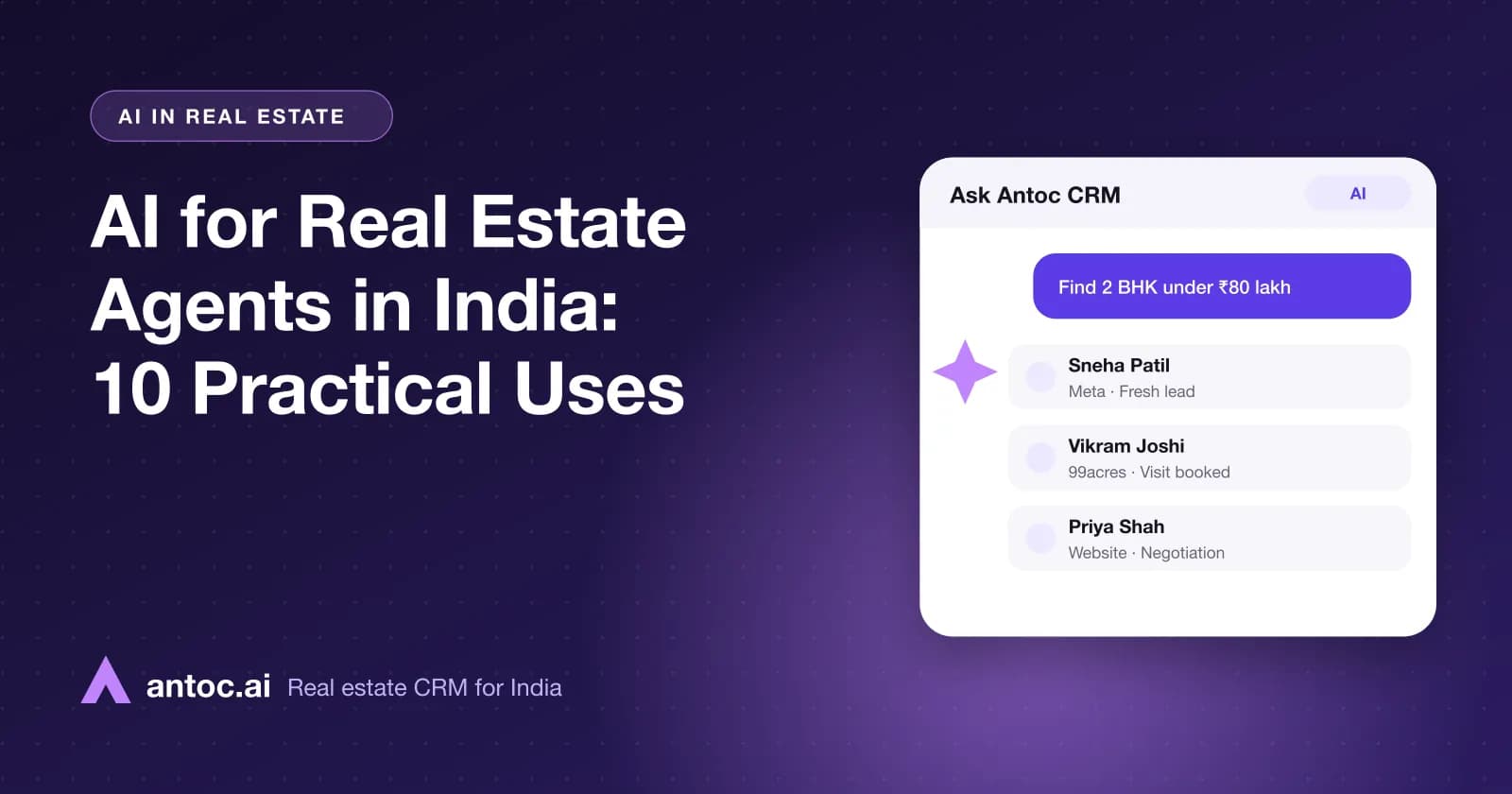
- "Find 2 BHK options under ₹80 lakh in our listings."
- "Which of my leads have a site visit coming up this week?"
- "List my leads in negotiation stage with their current status."
For developer sales teams
- "How many leads did each of our projects get this week?"
- "Summarise the pipeline for our Wakad project by stage."
- "Which sources are bringing leads for our new tower this month?"
- "Find 3 BHK options between ₹1.2 crore and ₹1.5 crore in our listings."
- "Which sales executives have the most leads in site-visit stage for our latest launch?"
Example: a ₹80 lakh 2 BHK search in Pune
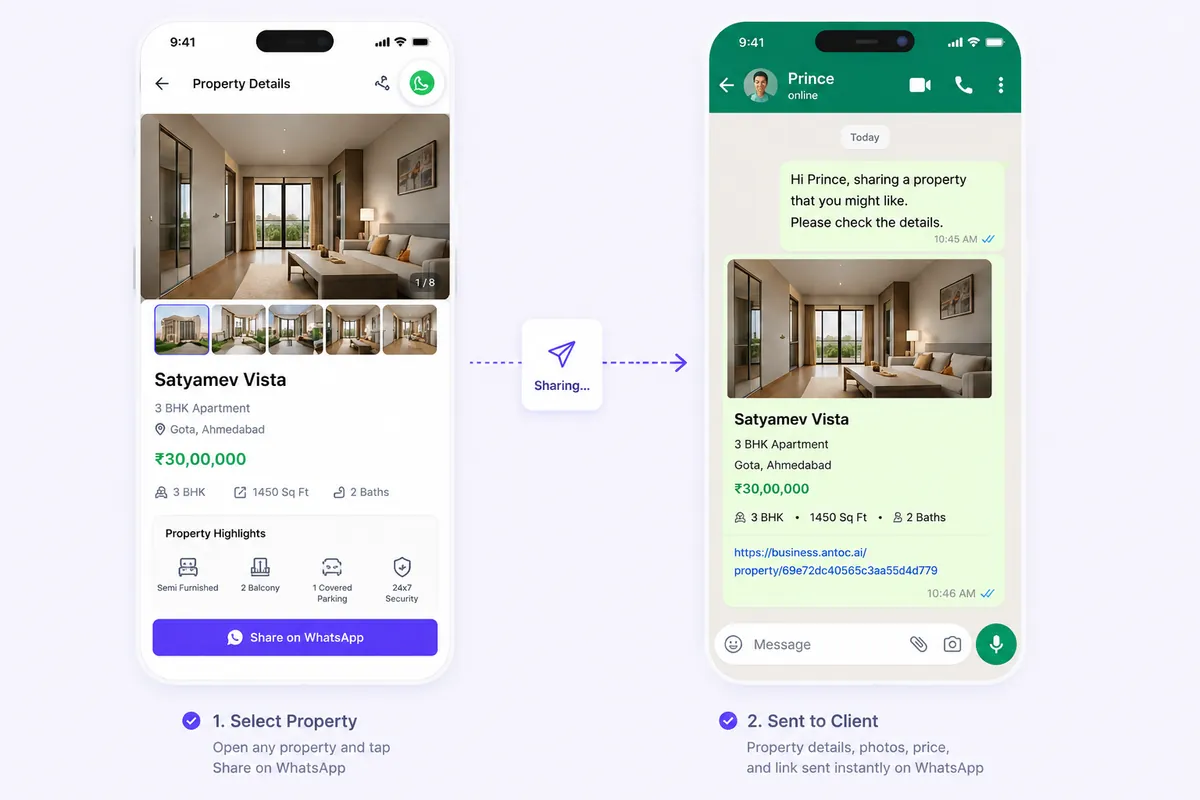
Illustrative example. A buyer in Pune tells an agent: "My home loan sanction is ₹62 lakh and I can put in ₹18 lakh myself. I want a 2 BHK in Wakad or Punawale."
Simple maths: ₹62 lakh + ₹18 lakh = ₹80 lakh. The agent asks Claude: "Find 2 BHK options under ₹80 lakh in Wakad or Punawale from our listings."
Before sending anything, the agent checks one thing with the buyer. Does the ₹80 lakh also need to cover stamp duty, registration and other charges? If yes, the agent lowers the ceiling and asks again, for example "under ₹75 lakh". Confirm current rates on your state's official source, and loan terms with the buyer's bank.
Privacy and permissions
Owners should be comfortable with this before rolling it out. Here is how access works.
- Answers come only from your own business account. Claude never sees another company's data through this connector.
- Same role-based access as Antoc CRM. An agent sees what that agent can see in Antoc. Admins see more because their Antoc role allows it.
- Access starts with an Antoc sign-in. Nobody gets CRM data in Claude without signing in with their Antoc account.
- Disconnect any time. Remove the connector from Claude's connector settings.
Two good habits. Write a short internal policy on who may use AI assistants with CRM data. And review Claude's own privacy settings on Anthropic's official pages, because those govern your chats.
Limits: Claude reads, Antoc records
Set clear expectations with the team.
- Claude is for finding and summarising. Keep updating stages, follow-ups, site visits and notes in the Antoc web CRM or mobile app.
- Data quality decides answer quality. A pipeline summary is only as accurate as the stages agents update.
- Antoc's own tools keep running. Auto-assignment, reminders, call logging, WhatsApp automation and the daily CRM report happen inside Antoc, not in Claude.
- It is an internal tool. It is for your team, signed in with Antoc accounts, not for buyers.
- Double-check before money decisions. Cross-check key numbers in Antoc reports before incentives, appraisals or a price quote.
Claude vs ChatGPT for your Antoc CRM
Antoc CRM also has an app in ChatGPT. Both read the same Antoc data with the same permissions, so pick whichever your team already uses. The ChatGPT app launch post and the Antoc CRM app for ChatGPT page cover its setup.
| Claude | ChatGPT | |
|---|---|---|
| What it is called | Antoc CRM connector | Antoc CRM app |
| Where you add it | Claude connector settings | ChatGPT apps directory |
| Connection steps | Open connector page, connect, sign in to Antoc, enable in chat tools | Open listing, add, sign in to Antoc, ask |
| What you can ask | Leads, pipeline and dashboard reports, staff performance, property matching | Same questions |
| Data source | Your Antoc CRM account | Same Antoc CRM account |
| Access rules | Your business only, your Antoc CRM permissions | Same access rules |
| How to stop | Disconnect in Claude's connector settings | Manage connected apps in ChatGPT (see OpenAI's help pages) |
A mixed team is fine. The sales head can review in Claude while an agent asks in ChatGPT, and both see consistent numbers.
Common mistakes
- Forgetting to enable the connector in the chat. If Claude answers generally instead of from Antoc, check the tools menu.
- Asking without a time period. "Show leads" is too broad. Say "this week", "last month" or "since Monday".
- Running reviews on dirty data. Clean up missing sources and stale stages in Antoc before you trust the summary.
- Loose roles in Antoc. The connector follows CRM permissions, so give agents agent-level access, not admin.
- Sending prices to buyers straight from the chat. Confirm price and availability in Antoc first.
- Treating the review summary as the action. Every decision must end as an update, follow-up or reassignment in Antoc.
Read next
Frequently asked questions
What is the Antoc CRM connector for Claude?
It connects Claude to your Antoc CRM account so you can ask about leads, pipeline and dashboard reports, staff performance and properties in plain English. Claude answers from your own CRM data instead of a spreadsheet you paste in. It is built by Passdn Technologies, the team behind Antoc.
How do I connect Claude to Antoc CRM?
Open the Antoc CRM connector page in Claude's connector settings and click connect. Claude sends you to Antoc to sign in, so use your Antoc web CRM login and approve access. Then enable Antoc CRM from the chat's tools menu and ask your question. If a menu looks different, check Anthropic's current help pages.
Is the Claude connector the same as the Antoc ChatGPT app?
It answers the same kinds of questions from the same Antoc data, with the same permission rules. The only real difference is which assistant you type into. Use whichever one your team already works in, or both. The owner can use one and the sales head the other without any mismatch in numbers.
Who can see what through Claude?
Each user sees only their own business's data, limited to the permissions that user has in Antoc CRM. If an agent can see only assigned leads in Antoc, Claude shows that agent only those leads. Set roles carefully in Antoc first, because the connector follows them rather than overriding them.
Can Claude update or delete leads in Antoc?
The connector is built for finding and summarising CRM information: searching leads, reviewing reports, analysing staff performance and matching properties. Keep updating lead stages, follow-ups, site visits and notes in the Antoc web CRM or mobile app, so reminders, reports and the daily CRM summary stay correct.
How do I disconnect Claude from Antoc?
Remove or disconnect the Antoc CRM connector in Claude's connector settings. Claude stops reading your Antoc data from that point. You can reconnect later by signing in with your Antoc account again. If a team member leaves, also deactivate their Antoc login so no assistant can use it.
Bring one real lead source. We'll show you the floor.
Book a free demo and bring one source — Meta, 99acres or a CP WhatsApp group. We'll set it up on a lead in front of you.
We build Antoc for Indian brokers and developers, from Pasadi Technologies Pvt Ltd in Ahmedabad. These articles come from patterns we see on real sales floors.