On this page
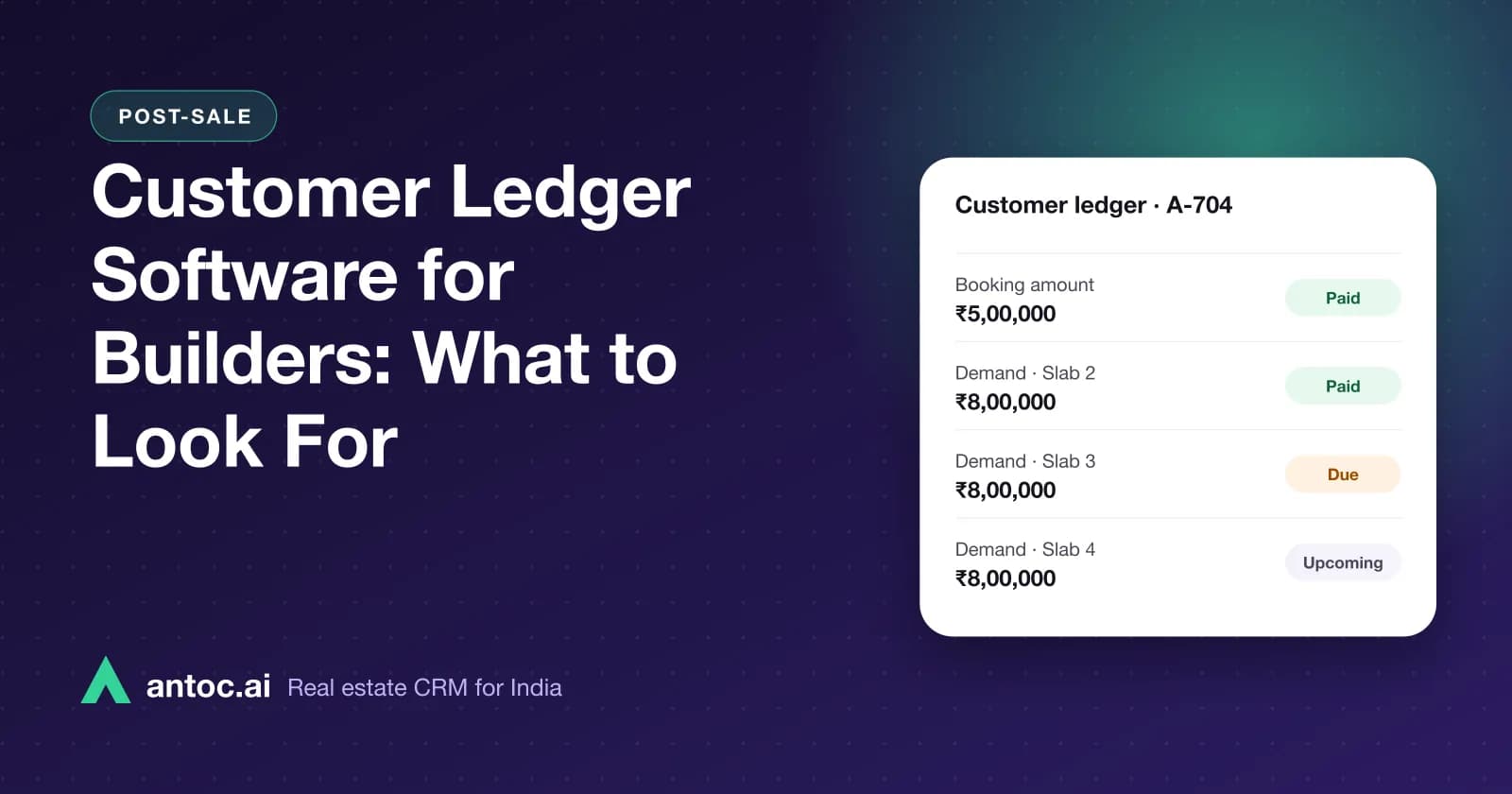
Customer ledger software for builders keeps one running record per booked unit: booking amount, demands raised at each milestone, receipts, adjustments and the outstanding balance. The right tool gives a unit-wise view, links every entry to a demand, produces a clear buyer statement, and sends reminders and overdue lists without anyone rebuilding Excel sheets.
This guide is for promoters, CFOs, accounts heads and CRM or post-sales teams at developers who are juggling an Excel sheet per tower, a separate accounting system, and buyers calling every week to ask how much they still owe.
Customer ledger software gives builders one record per booked unit with booking amount, milestone demands, receipts and adjustments. Look for a unit-wise view, demand-linked entries, clear buyer statements, automatic reminders and an overdue collection list.
- Every ledger entry should link to a unit, a buyer and a demand.
- Sales, accounts and the buyer must see the same outstanding balance.
- Overdue buckets and a collector list matter more than fancy reports.
- Test reversals, cancellations and loan disbursements in every software demo.
What a customer ledger is, and what it is not
A customer ledger answers one question: for this buyer and this unit, what has been demanded, what has been paid, and what is due today?
It is not a replacement for your accounting software. Your books exist for tax, audit and the company's financial statements. The customer ledger is the operational view your post-sales team works from every day. It is built around the payment plan and the buyer, not around chart-of-accounts heads.
Most builders need both. The problem starts when the customer ledger lives in Excel, gets updated by one person, and nobody is sure whether it matches the bank. That is when demand letters go out with wrong amounts and buyers lose trust.
Entries a builder's customer ledger must handle
A booking for an under-construction flat creates many entries over two or three years. Good software handles all of them cleanly, with each one tied to a unit, a buyer and, where relevant, a demand.
| Entry type | When it is created | Effect on outstanding | What to check in software |
|---|---|---|---|
| Booking amount | At booking or token | Demand, then receipt | Linked to unit hold or booking |
| Agreement demand | When the agreement stage is reached | Increases amount due | Booking amount adjusted correctly |
| Milestone demand | Plinth, slab, brickwork, possession and so on | Increases amount due | Raised per payment plan, with milestone name and date |
| Receipt | Cheque, NEFT, RTGS, UPI, loan disbursement | Reduces amount due | Mode, reference number, bank and date captured |
| Cheque bounce or reversal | When a payment fails | Puts amount back as due | Original receipt stays visible with reversal entry |
| Taxes such as GST | As applicable to each demand | Increases amount due | Shown separately from the base price |
| TDS credit | When the buyer deducts TDS where applicable | Reduces amount due once confirmed | Tracked against the buyer's TDS certificate |
| Interest on delayed payment | Only as per the signed agreement | Increases amount due | Can be applied, waived or adjusted with approval |
| Discount or adjustment | Approved concession, credit note | Reduces amount due | Approval trail and reason recorded |
| Other charges | Parking, club, maintenance deposit, legal | Increases amount due | Kept as separate heads, not merged into price |
| Cancellation or refund | Booking cancelled or unit changed | Reverses or refunds | Deductions as per agreement, clearly shown |
Not legal or tax advice. GST, TDS and interest treatment depend on current law and your agreements. Confirm with your CA and the official sources before configuring any rule.
Want to see this on your own leads? Book a free Antoc demo.
Illustrative example in ₹: one 3 BHK ledger
This is an illustrative example, not a recommended payment plan. A buyer books a 3 BHK in an Ahmedabad project with an agreement value of ₹95,00,000. Taxes and other charges are left out to keep the maths simple. The plan is construction-linked.
| Date | Entry | Demanded (₹) | Received (₹) | Outstanding (₹) |
|---|---|---|---|---|
| 5 Jan | Booking amount demand | 2,00,000 | 2,00,000 | |
| 5 Jan | Receipt, UPI | 2,00,000 | 0 | |
| 20 Jan | Agreement demand (10% less booking) | 7,50,000 | 7,50,000 | |
| 2 Feb | Receipt, NEFT | 7,50,000 | 0 | |
| 15 May | Plinth demand (15%) | 14,25,000 | 14,25,000 | |
| 30 May | Receipt, home loan disbursement | 10,00,000 | 4,25,000 | |
| 20 Jun | Receipt, buyer's own contribution | 4,25,000 | 0 | |
| 10 Sep | Third slab demand (10%) | 9,50,000 | 9,50,000 | |
| 25 Sep | Receipt, cheque | 9,50,000 | 0 | |
| 28 Sep | Cheque returned, reversal | −9,50,000 | 9,50,000 |
By 28 September, ₹33,25,000 has been demanded (35% of the agreement value), ₹23,75,000 has been received, and ₹9,50,000 is overdue. The remaining ₹61,75,000 is not yet due because those milestones have not been reached.
Notice what the software has to get right here. The home loan disbursement only covered part of the plinth demand, so the ledger must show a partial payment. The bounced cheque must reverse the receipt without deleting it. And the buyer statement must separate "overdue" from "not yet demanded", or the buyer will panic at a ₹71 lakh balance.
Unit-wise and project-wise views
Accounts teams think in buyers and receipts. Promoters and sales heads think in towers and units. Your ledger software needs to serve both.
- Unit-wise: open unit B-1204 and see the buyer, payment plan, every demand and receipt, and today's outstanding.
- Tower or project-wise: total demanded, total received and total overdue across all booked units.
- Milestone-wise: when slab 5 is completed, how many demands were raised and how many are paid.
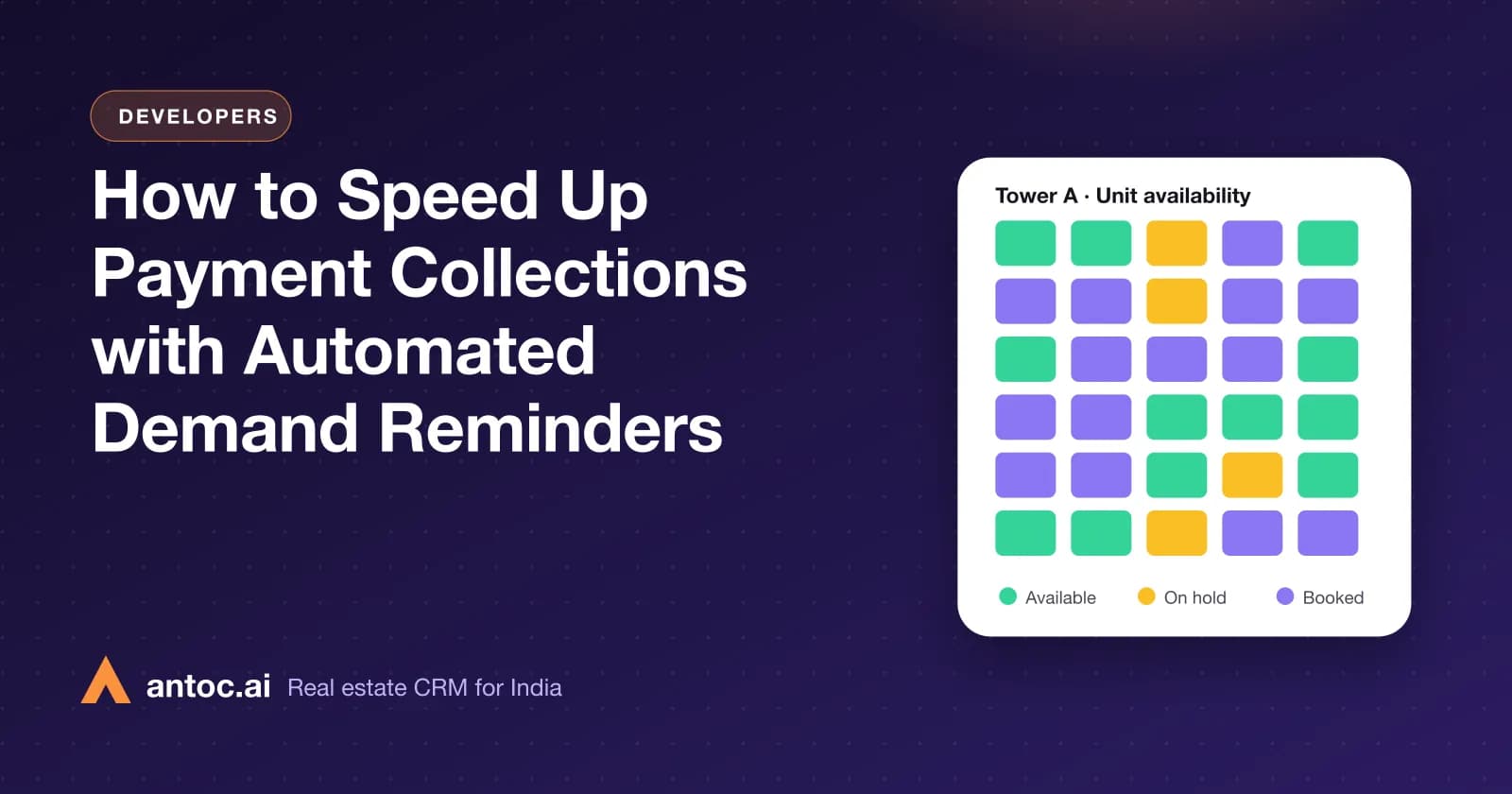
This is also why the ledger should sit close to inventory. If a unit is cancelled and resold, the old buyer's ledger must close properly and the new buyer's ledger must start fresh on the same unit. Antoc's CRM for developers keeps building inventory, unit-wise availability and post-sale records in one system for this reason.
Buyer statements that stop the phone calls
A large share of calls to a builder's post-sales desk are buyers asking "how much do I owe?" or "did you receive my payment?". A clear statement answers both.
A good buyer statement shows:
- Buyer name, unit, tower and agreement value
- The payment plan with milestones
- Each demand with date, milestone and amount
- Each receipt with date, mode and reference
- Adjustments, reversals and other charges as separate lines
- Overdue amount and amount not yet demanded, shown separately
Check in any demo whether the statement can be shared with the buyer by WhatsApp or email in a couple of clicks, and whether it looks like something you would be happy for a buyer's bank to see.
Reminders, overdue buckets and the payment collector
Raising a demand is half the job. Collecting it is the other half.
Set up overdue buckets based on days past the due date, for example up to 15 days, 16 to 30 days, 31 to 60 days and over 60 days. These are management buckets, not industry norms; pick the ones that match your agreements. Each bucket gets an action:
- Before due date: a friendly reminder with the amount and payment details.
- Up to 15 days overdue: a second reminder and a call from the post-sales executive.
- 16 to 30 days: a call from the collections lead, and a check on home loan status.
- 31 days and above: escalation to the CRM head or promoter, and a review against the agreement terms.
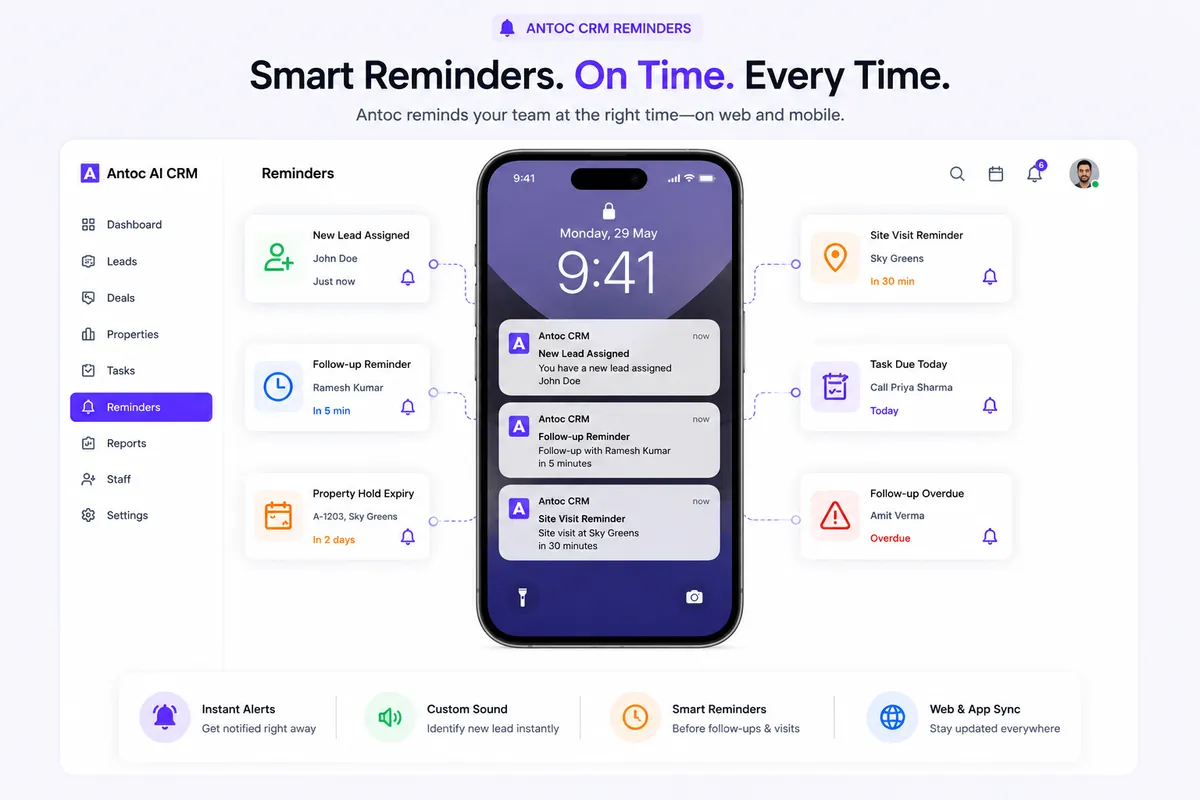
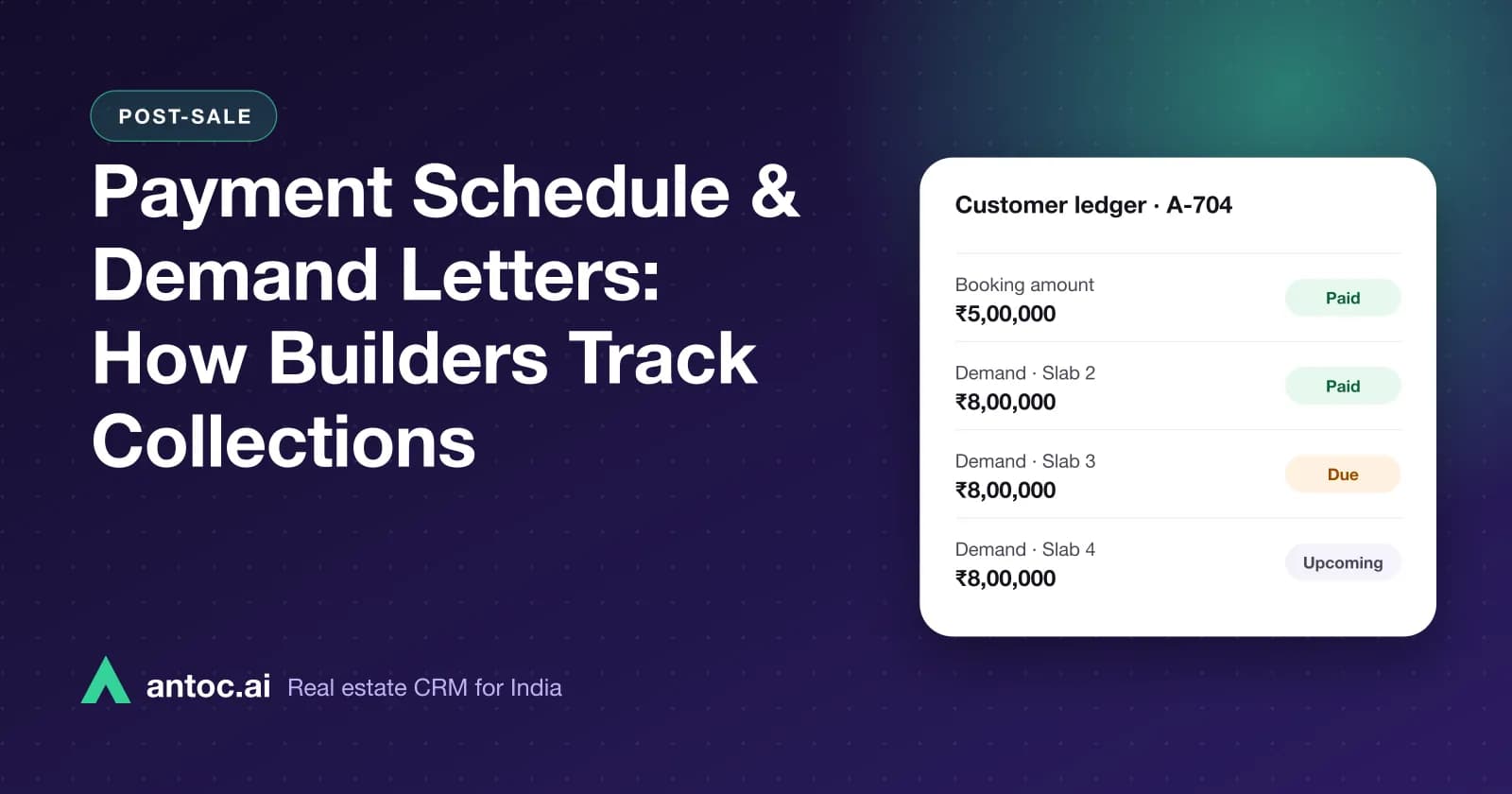
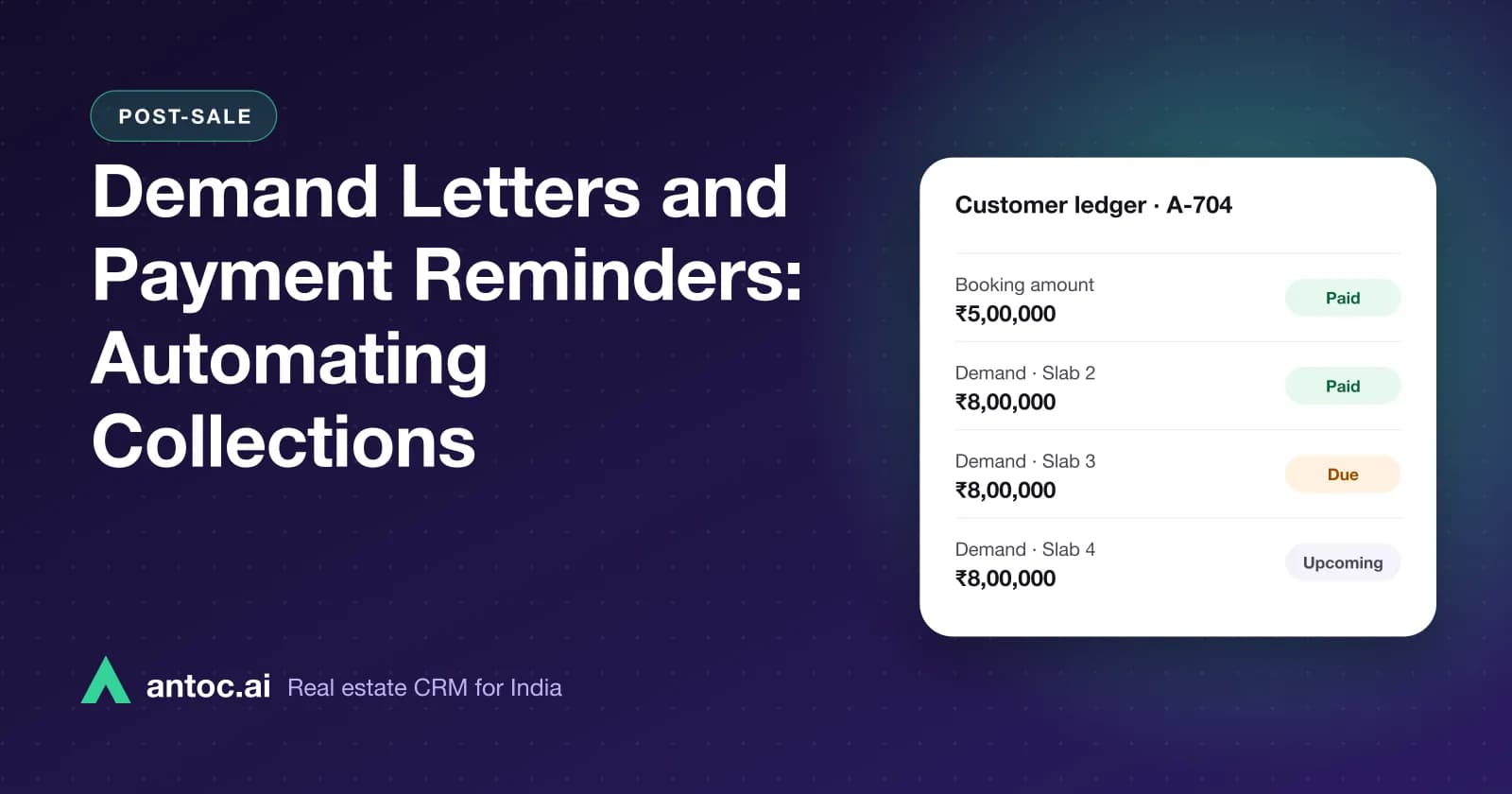
Antoc's post-sale module runs from booking to buyer, payment plan, demands, payments, ledger and reminders, with a payment collector for overdue dues. That collector list is what your collections team should open every morning. For a detailed look at schedules and demand letters, see our guide on payment schedules and demand letters for builders.
Who should own which part of the ledger
Software does not fix unclear ownership. Before you go live, write down who does what:
- Sales or CRM team: creates the booking, confirms the unit and buyer details, attaches the payment plan.
- Site or projects team: confirms when a milestone is actually complete, with date and proof.
- Post-sales team: raises demands once the milestone is confirmed, shares statements, follows up.
- Accounts: records and reconciles receipts, approves reversals, handles tax entries.
- Promoter or CFO: approves waivers, discounts and cancellation deductions.
When one person does everything in Excel, errors stay hidden until a buyer complains. Splitting roles with an approval trail catches them early.
Must-have checklist for customer ledger software
Use this table in vendor demos. Ask the vendor to show each item on screen with realistic data, not slides.
| Must-have | Why it matters | What to ask in the demo |
|---|---|---|
| Ledger per unit and buyer | One source of truth per booking | "Open one unit and show its full ledger." |
| Payment plan templates | Construction-linked and time-linked plans differ by project | "Set up a construction-linked plan for a new tower." |
| Demand linked to milestone | Avoids wrong or duplicate demands | "Raise slab 5 demands for every booked unit in Tower A." |
| Partial payments | Loans and buyers often pay in parts | "Record a partial loan disbursement against one demand." |
| Reversals without deletion | Audit trail for bounced cheques | "Bounce a cheque and show both entries." |
| Separate heads for taxes and charges | Clean statements and reconciliation | "Show GST, parking and club charges separately." |
| Adjustments with approval | Stops unofficial discounts | "Who can apply a waiver, and where is it logged?" |
| Buyer statement sharing | Fewer calls to the office | "Share this statement on WhatsApp now." |
| Overdue buckets and collector list | Collections need owners | "Show all buyers overdue more than 30 days." |
| Cancellation handling | Units get resold | "Cancel a booking and rebook the unit to a new buyer." |
| Export | Your CA and auditors need data | "Export ledgers for one project to Excel." |
| Access control | Not everyone should see every buyer's dues | "What can a sales executive see versus accounts?" |
How to move ledgers out of Excel
Migration is where many builders get burned. Go slowly and reconcile at every step.
- Pick a cut-off date, ideally a month end, and stop editing old sheets after it.
- Reconcile receipts for every unit with bank statements and your accounting records.
- Set up projects, towers and units in the new system, with booked units mapped to buyers.
- Create payment plans and attach the right plan to each booking.
- Enter or import demands and receipts up to the cut-off, unit by unit.
- Compare totals tower by tower against your reconciled Excel figures.
- Run one cycle in parallel, raising the next milestone's demands in both, before switching fully.
- Only then turn on buyer reminders, so nobody gets a wrong amount on WhatsApp.
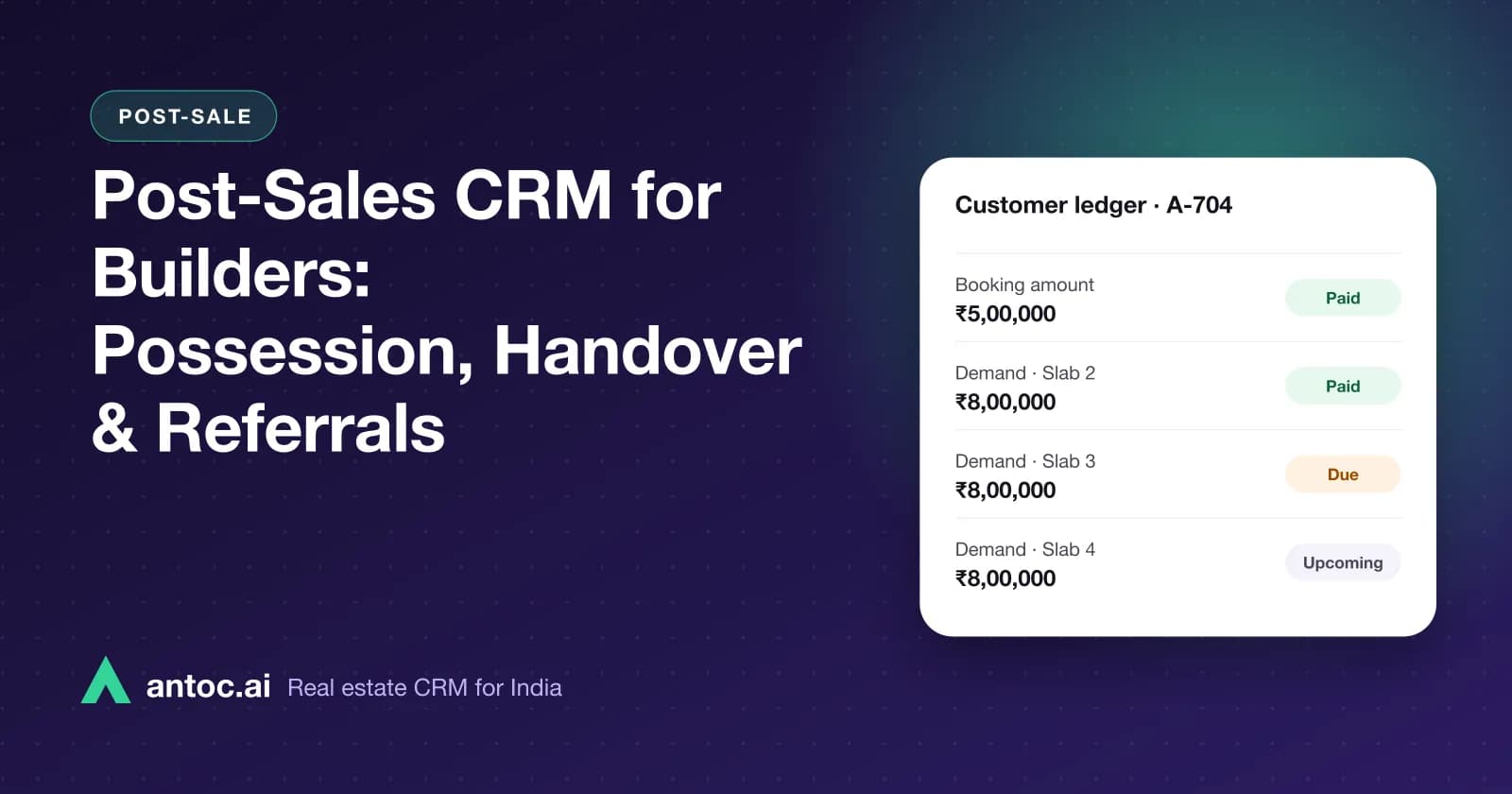
Our post on post-sales CRM for builders covers the rest of the journey after collections, including possession and handover.
Common mistakes
- Treating the ledger as an accounts-only file. Sales and post-sales need the same view, or promises and demands drift apart.
- Overwriting entries instead of reversing them. Deleted receipts destroy the audit trail.
- Merging charges into the base price. Buyers, banks and auditors all need them shown separately.
- Sending reminders before reconciling opening balances. One wrong demand can undo months of goodwill.
- No owner for overdue buyers. A report without a named collector is just a list.
- Ignoring cancellations and resales. The unit's history must stay clean when it changes hands.
Choosing with confidence
The best customer ledger software is the one your post-sales team opens every morning and your buyers stop questioning. Judge it on unit-wise clarity, clean handling of partial payments and reversals, and how fast it turns overdue dues into a named follow-up.
If you are evaluating tools, run the checklist above on your own data. To see how Antoc connects inventory, bookings and collections in one place, explore our CRM for real estate developers.
Read next
Frequently asked questions
What is a customer ledger in real estate?
It is a running record for each buyer and unit showing every amount demanded and every amount received: booking amount, agreement and milestone demands, receipts by cheque, NEFT or UPI, home loan disbursements, adjustments and refunds. The outstanding balance at any date should be clear from it, so sales, accounts and the buyer agree on what is due.
Is a customer ledger the same as my accounting software?
No. Accounting software keeps the company's books for tax and audit. A customer ledger is an operational view per buyer and unit, tied to the payment plan and demands. Most builders need both, with receipts reconciled between them regularly. Ask your CA how your customer ledger should map to your books.
What should a buyer statement show?
A clear buyer statement shows the unit, agreement value, payment plan, each demand raised with its date and milestone, each payment received with mode and reference, any adjustments, and the current outstanding amount. It should be easy to share on WhatsApp or email so buyers stop calling the office to ask what they owe.
How do builders track overdue payments?
Group unpaid demands by how many days they are past due, for example up to 15 days, 16 to 30, 31 to 60 and over 60. Each bucket gets a different action, from a polite reminder to a call from the collections head. A payment collector list makes sure every overdue buyer has an owner and a next step.
Can a CRM handle customer ledgers for builders?
A real estate CRM with post-sale modules can. Antoc's post-sale flow covers booking, buyer, payment plan, demands, payments, ledger and reminders, plus a payment collector for overdue dues. Check in a demo how it handles your specific charges, taxes and adjustments before you migrate live projects.
How do I move customer ledgers from Excel to software?
Freeze a cut-off date, reconcile every unit's receipts with your bank and accounting records, set up payment plans in the new system, then import or enter demands and receipts unit by unit. Check opening balances against your Excel totals tower by tower before you send any reminder from the new system.
Bring one real lead source. We'll show you the floor.
Book a free demo and bring one source — Meta, 99acres or a CP WhatsApp group. We'll set it up on a lead in front of you.
We build Antoc for Indian brokers and developers, from Pasadi Technologies Pvt Ltd in Ahmedabad. These articles come from patterns we see on real sales floors.