On this page
Real estate CRM implementation works best as a focused 30-day rollout: week one for setup and data cleanup, week two for lead sources, WhatsApp and training, week three for going live with daily checks, and week four for reports and fixes. Copy the checklist below into your own document and put an owner against every item.
This guide is for agency owners and sales heads who have chosen a CRM, or are close to choosing one, and want agents using it properly within a month instead of drifting back to Excel and WhatsApp groups.
Roll out a real estate CRM in 30 days: clean data and set up in week one, connect lead sources and train in week two, go live in week three, and review reports in week four. Copy the checklist and give every item an owner.
- Give the rollout one named owner and a fixed go-live date.
- Clean and de-duplicate data before importing; never import a messy sheet.
- Stop the old Excel sheet on go-live day, or nobody switches.
- Judge success at day 30 on response time and follow-ups, not logins.
Before day 1: decide who owns what
Most failed rollouts fail before any software is touched. Nobody owns the project, the go-live date keeps moving, and agents hear about the CRM from a forwarded login email.
Fix that first with a simple role table.
| Role | Usually who | What they own |
|---|---|---|
| Rollout owner | Sales head or operations manager | Go-live date, rules, daily checks, final decisions |
| Data owner | Sales coordinator or back-office | Cleaning, de-duplicating and importing leads and inventory |
| Lead source owner | Marketing lead | Portals, Meta and Google ads, website forms, WhatsApp |
| Team champions | One agent per team or project | First to use it, helps others on the floor |
| Sponsor | Owner or promoter | Backs the rules when agents push back |
Set two or three goals you can measure at day 30. Good ones are: every new lead called within a set time, no overdue follow-ups older than a day, and all site visits logged in the CRM. If you have not chosen a tool yet, our guide to the best real estate CRM in India explains what to compare first.
Week 1 (days 1–7): setup and data cleanup
Copy this checklist and tick items as you go.
- Confirm the rollout owner, data owner and go-live date
- Book an onboarding call with your CRM provider
- List all users with role, team, project and phone type (Android or iPhone)
- Decide permissions: who sees all leads, who sees only their own
- Write down pipeline stages, for example: new, contacted, qualified, visit scheduled, visit done, negotiation, booked, lost
- Write down a fixed list of lost reasons
- Export every lead sheet from Excel, Google Sheets and agents' phones
- Remove duplicates by phone number and fix number formats
- Standardise source names (e.g. "99acres", not "99 acres" and "99A")
- Standardise project and locality names
- Assign an owner to every active lead
- Prepare property or project inventory: projects, towers, units, prices, status
- Import a small test batch and check fields landed correctly
- Import the full clean file
The cleanup steps take longest. Do not skip them. A messy import teaches agents on day one that the CRM is wrong, and they never trust it again.
Want to see this on your own leads? Book a free Antoc demo.
Week 2 (days 8–14): lead sources, WhatsApp and training
- Connect lead sources: portals, Meta lead ads, Google Ads lead forms, website forms, as enabled for your account
- Send one test lead from each source and confirm source and campaign appear on the lead
- Set auto-assignment rules (round robin, by project or by location)
- Set reminder rules for first call, follow-ups and site visits
- Start WhatsApp Business API setup if you are using it: Meta business verification, display name, templates
- Write a welcome WhatsApp template for new leads
- Install the mobile app on every agent's phone and log them in
- Check call logging on Android phones; agree a process for iPhone users
- Train agents (45 minutes): their lead list, calling, WhatsApp, updating stages, reminders
- Train managers (45 minutes): reports, reassigning leads, daily report
- Run a practice day with test leads only
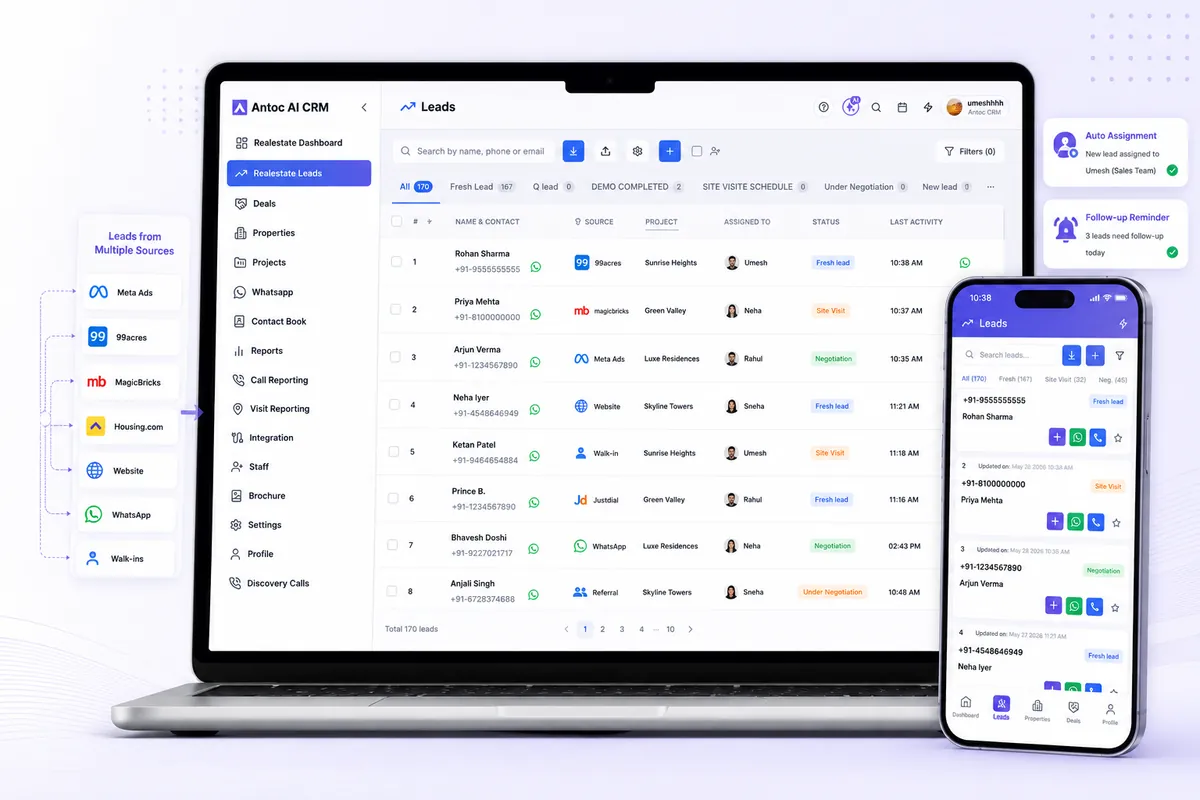
A note on phones: on Android, Antoc logs calls automatically. iOS does not allow apps to read the phone call log, so decide early how iPhone users will record call outcomes. Raising this in week two avoids arguments about "missing calls" in week four.
For the rules behind auto-assignment, read our guide on lead distribution for real estate teams.
Week 3 (days 15–21): go live and enforce
- Announce go-live day to the whole team in person, not just on a group
- Switch every live lead source to the CRM
- Stop updating the old Excel sheet; make it read-only
- Every new lead is worked only in the CRM from today
- Hold a 10-minute daily huddle using the CRM, not a sheet
- Check uncalled new leads twice a day and reassign if needed
- Check overdue follow-ups every evening
- Make sure site visits are scheduled in the CRM, not only in chats
- Collect questions from agents and answer them in the next huddle
- Champions sit with any agent who is falling behind
How to run go-live day
- Morning huddle: confirm everyone can log in on phone and laptop.
- Switch sources: the lead source owner confirms each portal and ad form is live in the CRM.
- Freeze the sheet: the rollout owner makes the old file read-only in front of the team.
- First leads: watch the first few new leads get assigned, called and updated.
- Midday check: look at uncalled leads and fix any assignment issue on the spot.
- Evening review: check every lead touched today has a stage and next follow-up.
- Share the win: post the day's numbers in the team group so everyone sees the system working.
Week 4 (days 22–30): reports, review and habits
- Turn on the daily CRM report on WhatsApp and email for managers
- Review first response time by agent and by source
- Review overdue follow-ups by agent
- Review site visits scheduled and done
- Review leads by source with lost reasons
- Fix stage names or lost reasons that confuse agents
- Adjust assignment rules if some agents are overloaded
- Remove or retrain inactive users
- Hold a day-30 review with the sponsor: what changed, what is next
- Plan month two: WhatsApp broadcasts, more sources, deeper reports
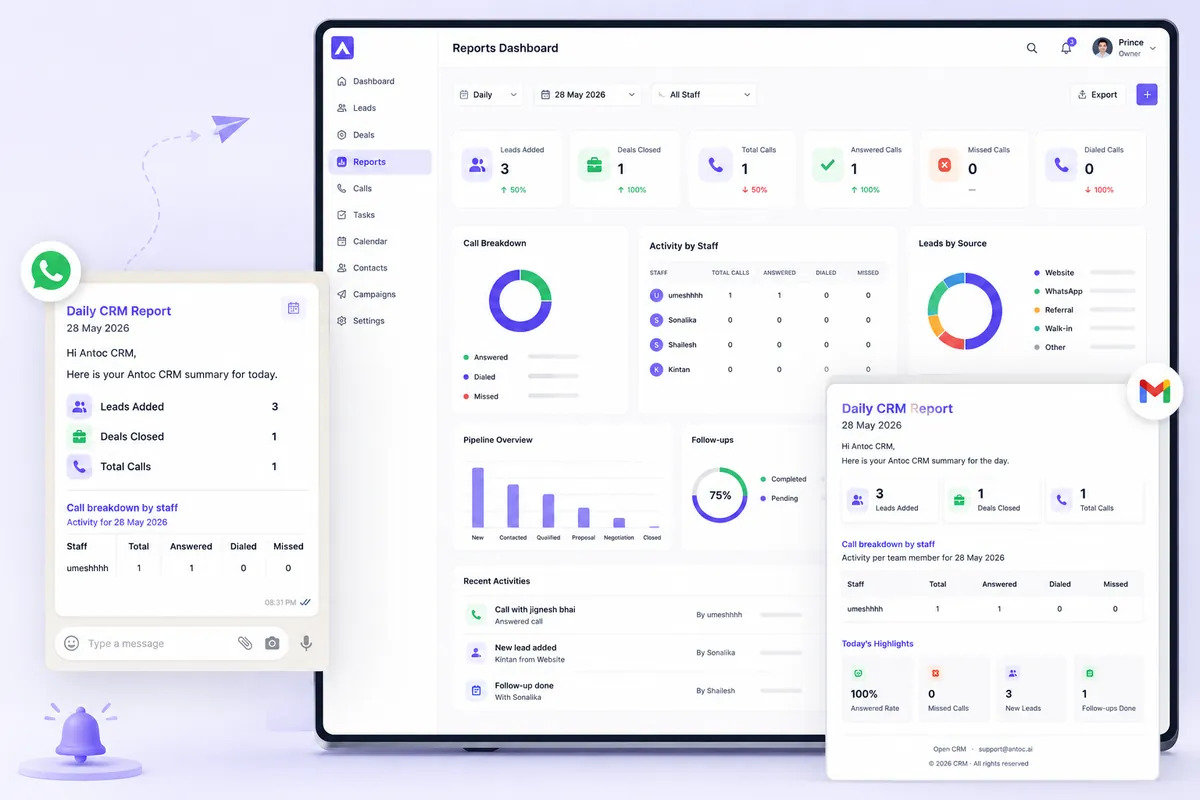
Not sure which numbers to watch after day 30? Our list of real estate sales KPIs covers twelve metrics with formulas and review cadence.
Extra steps for developers and builders
Developer sales offices have more moving parts than a brokerage, so add these to weeks one and two:
- Set up each project with towers, floors and units, and mark current availability
- Agree who can put a unit on hold, for how long, and who can release it
- Register channel partners with contact details and agreed lead ownership rules
- Decide how CP-sourced leads and site visits will be tagged
- Separate pre-sales and closing teams in permissions and assignment rules
- Plan post-sale setup (payment plans, demands, collections) as a second phase, not on go-live day
Antoc's Developer plan includes building inventory, unit-wise availability, project-level inventory control and CP management, so these can be set up alongside leads rather than in a separate sheet.
Handling agents who resist the switch
Some agents, often the best ones, will resist. Their phone and memory have worked for years, and the CRM looks like extra work and extra monitoring.
Do not argue in the group. Sit with them for 20 minutes and show what is in it for them: reminders so they never forget a callback, one-click calling and WhatsApp from the lead card, and a full history when a buyer calls after three months. Then hold the line on the rule: leads that are not in the CRM do not count for incentives. Most resistance fades within the first two weeks once the champions are visibly faster.
Illustrative example in ₹: is the rollout worth it?
This is an illustrative example with simple maths. A Pune brokerage with 10 agents picks Antoc Prime on the annual plan at ₹699 per user per month.
- Software cost: ₹699 × 10 users × 12 months = ₹83,880 a year
- Rollout time: say 15 hours of the sales head's time and 3 hours per agent for training and practice
Now the other side. The firm's average deal is ₹60 lakh at 2% brokerage, so each closed deal earns ₹1,20,000. If better response and follow-up save just one deal in the year that would otherwise have gone cold, the CRM has paid for itself, with money left over.
The real cost of a rollout is not the subscription. It is a half-done rollout, where you pay for the software and still lose leads in Excel. That is why the checklist matters more than the tool. Check current plans and inclusions on the Antoc pricing page before you budget.
How to know the rollout worked
At day 30, look for these signs:
- New leads arrive in the CRM automatically, with source attached.
- Agents open the mobile app first thing, not the old sheet.
- First calls happen faster than before go-live, measured, not guessed.
- Overdue follow-ups are a short list, not a scroll.
- Site visits and outcomes are logged against leads.
- The daily huddle runs from the CRM report.
If two or more of these are missing, extend week three by another week instead of moving on. Adoption problems get harder to fix once bad habits settle in.
Common mistakes
- Importing a dirty sheet. Duplicates and wrong owners on day one destroy agent trust.
- Keeping Excel alive "just for now". Two systems means nobody uses either properly.
- Training everyone the same way. Agents need calling and follow-ups; managers need reports and reassignment.
- Connecting lead sources after go-live. If leads still arrive in email or portal dashboards, agents keep working there.
- No rule for iPhone call outcomes. Managers then blame agents for calls the app could not log.
- Too many stages and fields. Each extra mandatory field slows agents and invites shortcuts.
- No day-30 review. Without it, small problems quietly become the new normal.
Start your 30 days
A real estate CRM implementation is mostly about people and rules: one owner, clean data, every lead source connected, the old sheet frozen and daily checks for the first month. Copy the checklist above, put names and dates against each item, and start on a Monday.
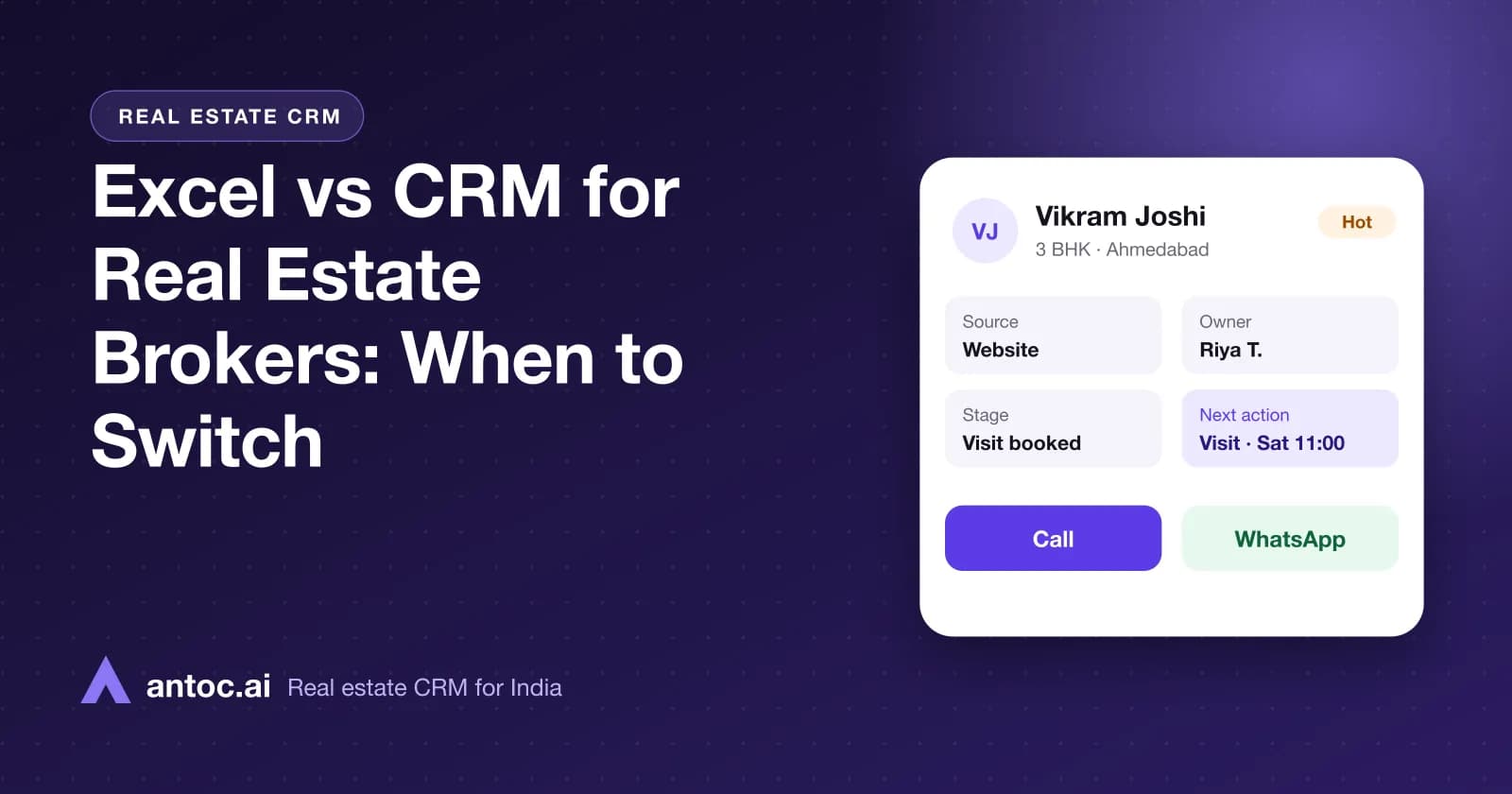
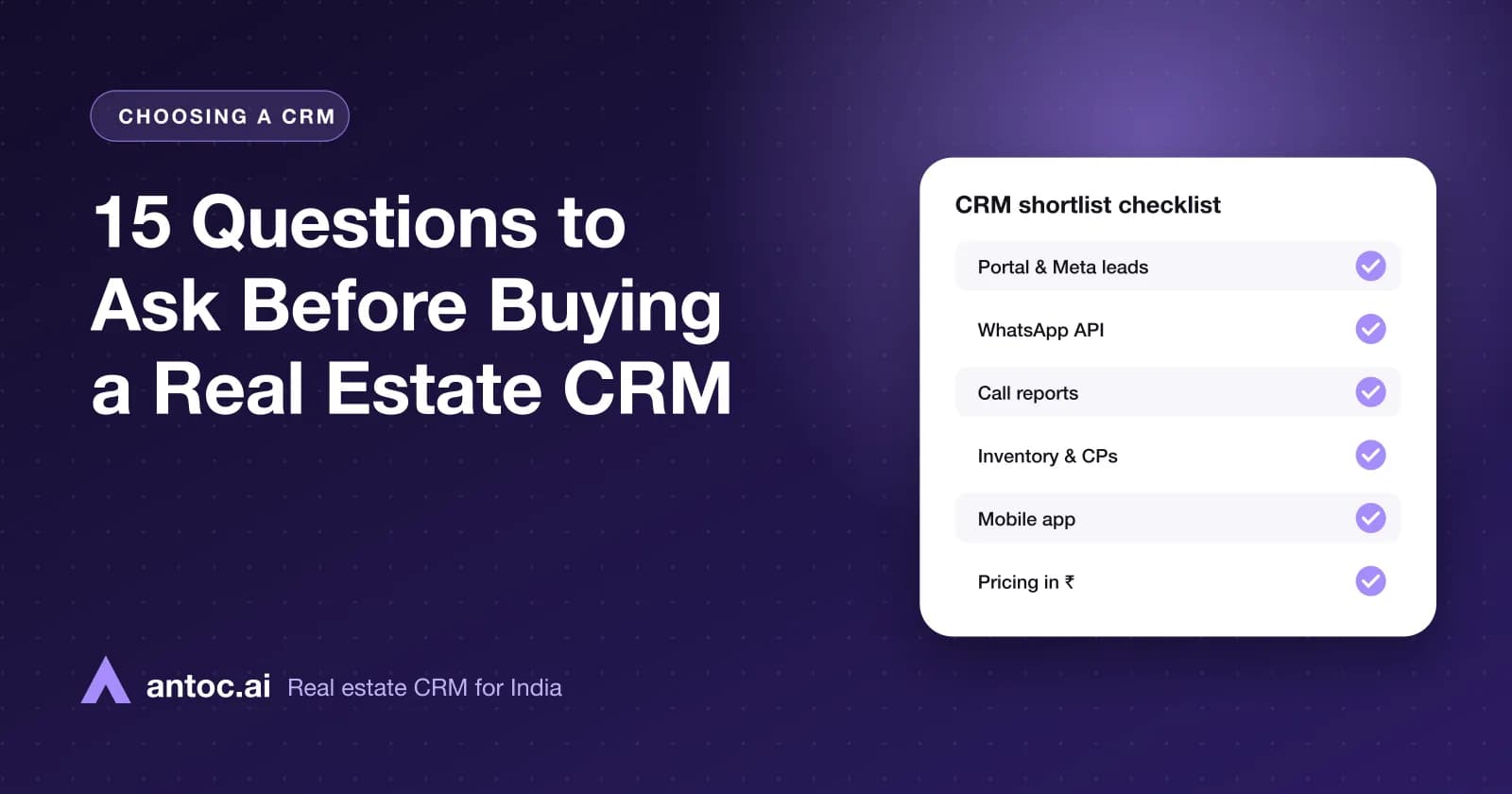
If you are still comparing tools, our guides on choosing the best real estate CRM in India and Excel vs CRM for real estate can help. When you are ready, book a walkthrough with the Antoc team and bring this checklist along.
Read next
Frequently asked questions
How long does real estate CRM implementation take?
For a brokerage or a developer sales office with up to a few dozen users, a focused rollout can be done in about 30 days: one week for setup and data, one for lead sources and training, one for live use with daily checks, and one for reports and fixes. Larger teams with many projects may need longer.
Who should own the CRM rollout?
One person with authority over the sales team, usually the sales head or an operations manager, should own it. They set the go-live date, decide stage names and rules, chase data cleanup and run daily checks after launch. A rollout owned by IT or an outside consultant alone rarely changes how agents work.
Should I import all my old leads into the new CRM?
Import active leads and recent history, not everything. Clean the sheet first: remove duplicates by phone number, fix number formats, standardise source and project names and assign an owner to each lead. Very old, unreachable leads can be imported later into a separate nurture list if you still want them.
How do I get agents to actually use the CRM?
Make the CRM the only place leads arrive, stop the old sheet on go-live day, and use CRM reports in every daily huddle. Agents adopt tools that make their day easier, so show them reminders, one-click calling and WhatsApp on their phone first, before talking about reports for management.
What should a CRM implementation checklist include?
It should cover roles and goals, data cleanup and import, users and permissions, pipeline stages and lost reasons, lead source connections, auto-assignment rules, WhatsApp setup, mobile app installation, training by role, go-live rules, daily checks and a day-30 review of response time, follow-ups and site visits.
Is a free CRM implementation checklist enough, or do I need help?
A checklist covers the steps, but most teams also benefit from the vendor's onboarding support, especially for lead source connections and WhatsApp API setup. Ask your CRM provider what onboarding is included in your plan, and book time with them in week one rather than after problems start.
Bring one real lead source. We'll show you the floor.
Book a free demo and bring one source — Meta, 99acres or a CP WhatsApp group. We'll set it up on a lead in front of you.
We build Antoc for Indian brokers and developers, from Pasadi Technologies Pvt Ltd in Ahmedabad. These articles come from patterns we see on real sales floors.